
Have you ever spent several minutes looking for a document you downloaded last week? Or opened your phone to find one photo, only to get distracted by dozens of notifications?
Digital clutter can make simple tasks more frustrating than they need to be. When your files, emails, apps, and passwords are scattered everywhere, it becomes harder to stay organized.
The solution does not have to be complicated. You do not need expensive apps or hours of free time. With a few simple changes, you can make your phone and computer easier to use.
Here are seven practical ways to organize your digital life.
1. Remove Unnecessary Files to Organize Your Digital Space
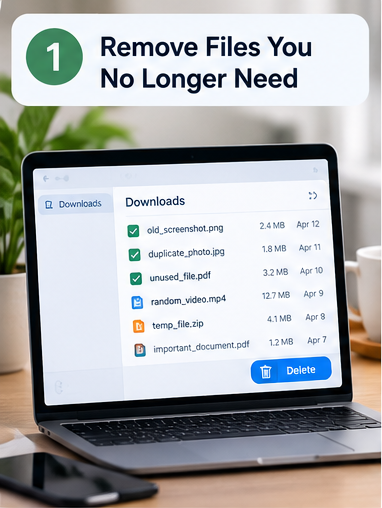
Start with the easiest task: cleaning up unnecessary files.
Your Downloads folder may contain old PDFs, duplicate documents, screenshots, and files you downloaded only once. Over time, these items make it harder to find what matters.
Open your Downloads folder and review the files. Delete what you no longer need, and move important documents somewhere easier to find.
Try this: Set a timer for 10 minutes and clean one folder at a time. You do not need to organize everything in a single day.
Before deleting anything, make sure it is not important and that you have another copy if needed.
2. Give Your Files Clear Names
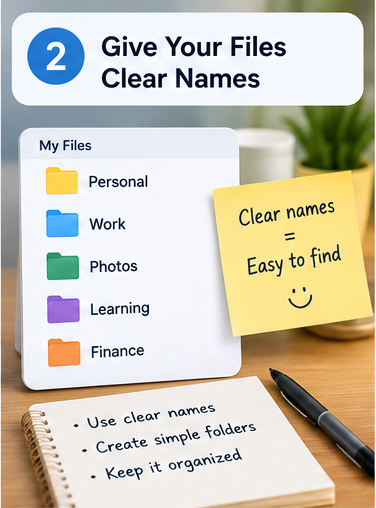
Saving a document with a name such as Document123.pdf might seem harmless, but it can become confusing when you have dozens of similar files.
Use names that explain what each file contains. For example:
My_CV.pdfShopping_List.pdfBirthday_Photos.pdfEnglish_Learning_Notes.pdf
You can also create a few basic folders, such as Work, Personal, Learning, Finance, and Photos.
The goal is to create a system that makes sense to you. A simple system you actually use is better than a complicated one you abandon after a week.
3. Keep a Backup of Important Documents
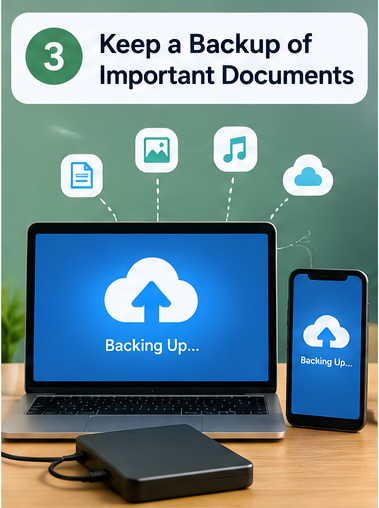
Imagine losing your phone or having your computer stop working. Would you still have access to your important documents and photos?
Backups help protect your files when a device is lost, damaged, or affected by a technical problem.
You can back up important files using an external drive or a trusted cloud storage service. Check the available storage limits and security options before choosing a service.
For especially important files, consider keeping another copy in a separate location.
One important detail: Cloud syncing and backups are not always the same thing. If you accidentally delete a synced file, that deletion may also affect other devices. Make sure your backup method allows you to recover previous copies when necessary.
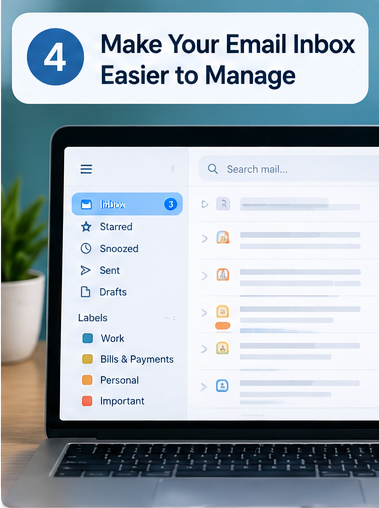
4. Make Your Email Inbox Easier to Manage
An inbox filled with advertisements, old newsletters, and unnecessary messages can hide emails you actually need.
Start by unsubscribing from newsletters you no longer read. Delete unwanted messages and use folders or labels for important categories.
For example, you might create labels for Job applications, Bills and payments, Work, Personal messages, and Important accounts.
You can also use your email service’s search feature instead of keeping every message in your inbox.
You do not have to reach zero unread emails. The real goal is to make important messages easier to find.
5. Make Your Online Accounts More Secure
Digital organization is not only about keeping files tidy. It also means knowing how to protect your information.
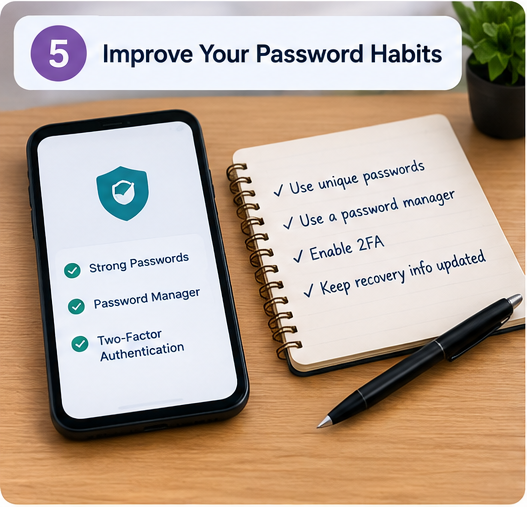
Using the same password for multiple accounts can put several accounts at risk if one password is exposed.
- Use a unique password for each important account.
- Consider a reputable password manager to store passwords securely.
- Enable two-factor authentication wherever it is available.
Also, check that your recovery email and phone number are up to date.
Never store sensitive passwords in an unprotected document or share them with people you do not trust.
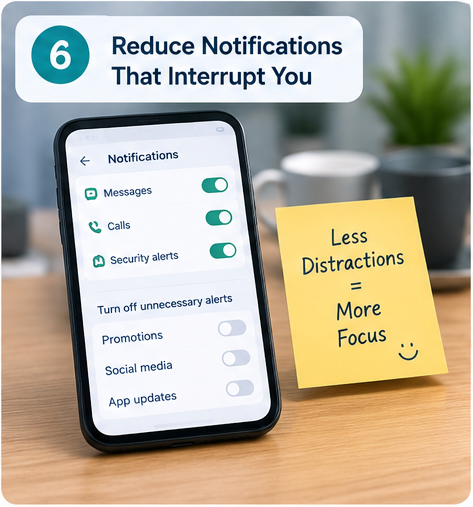
6. Reduce Notifications That Interrupt You
Every notification creates an opportunity to stop what you are doing and check your phone.
Some alerts are important, but many are simply reminders to open an app or view promotional content.
Review your notification settings and turn off alerts you do not need. Keep essential notifications for security, important messages, and services you rely on.
You can also choose specific times to check email and social media rather than opening them whenever a notification appears.
This small change can help you stay focused without having to stop using your favorite apps.
7. Spend 10 Minutes Organizing Every Week
The easiest way to stay organized is to make digital cleanup a regular habit.
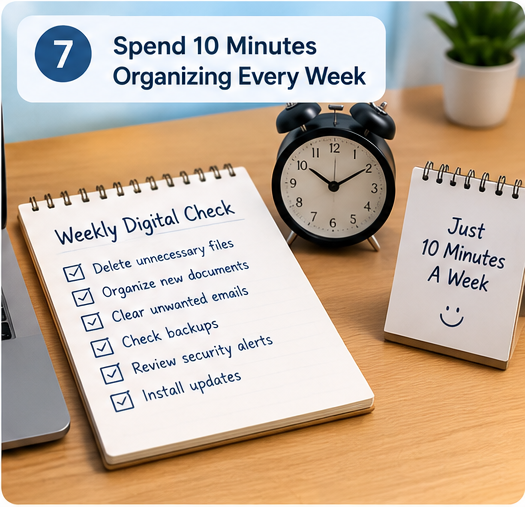
Choose a convenient day each week and spend about 10 minutes checking your devices.
- Delete unnecessary downloads and duplicate files.
- Move new documents into the right folders.
- Clear unwanted emails.
- Check that important files are backed up.
- Review suspicious messages and account security alerts.
- Install available security updates from trusted sources.
You do not need to follow a perfect system. Even a short weekly review can help prevent digital clutter from building up again.
Recommended International Resources
You can use these trusted resources to make digital organization easier:
- Google Drive Help — Learn how to organize files, create folders, and use clear file names.
- Microsoft OneDrive Backup Guide — Learn how to back up important folders and access your files across devices.
- Gmail Organization Guide — Discover how to use labels, filters, and archiving to keep your inbox organized.
- Google Account Security Checkup — Review security recommendations to help protect your online account.
These resources provide practical guidance from the official support teams of Google and Microsoft. Choose the tools that fit your needs and review your digital organization system regularly.
‘Frequently Asked Questions
How do I organize my digital life as a beginner?
Start with one device and one task. Clean your Downloads folder, create a few useful folders, and organize your most important documents. Once that becomes routine, move on to your inbox and account security.
What is the best free way to organize digital files?
Your phone and computer already include basic file-management tools. You can use them to create folders, rename documents, and remove unwanted files. Free cloud storage may also help, depending on the provider’s storage limits and terms.
How often should I clean up my phone or computer?
A quick weekly review is a useful starting point. You can remove unwanted files regularly and do a more detailed cleanup whenever storage becomes limited or files become difficult to find.
How can I protect important digital documents?
Keep reliable backups, use strong and unique passwords for your accounts, enable two-factor authentication, and be careful when opening unexpected links or attachments.
Conclusion
You do not need to organize every file, email, and app overnight. Start with one small improvement today, such as renaming important documents or turning off unnecessary notifications.
Over time, these habits can help you find information faster, protect your files, and make your everyday digital routine less stressful.
The best digital organization system is not the most complicated one. It is the one you can maintain consistently.