Creating social media content regularly can take a lot of time. You need to find new ideas, write captions, design images, edit videos, and publish posts. If you manage your own website or small business, doing all these tasks every day can become difficult. The good news is that you do not need expensive software or a big team to create quality content. With a few free tools and a simple plan, you can save time and stay active on social media.
In this guide, you will learn how to create social media content faster using free tools and practical methods.
1. Plan Your Content Before You Start
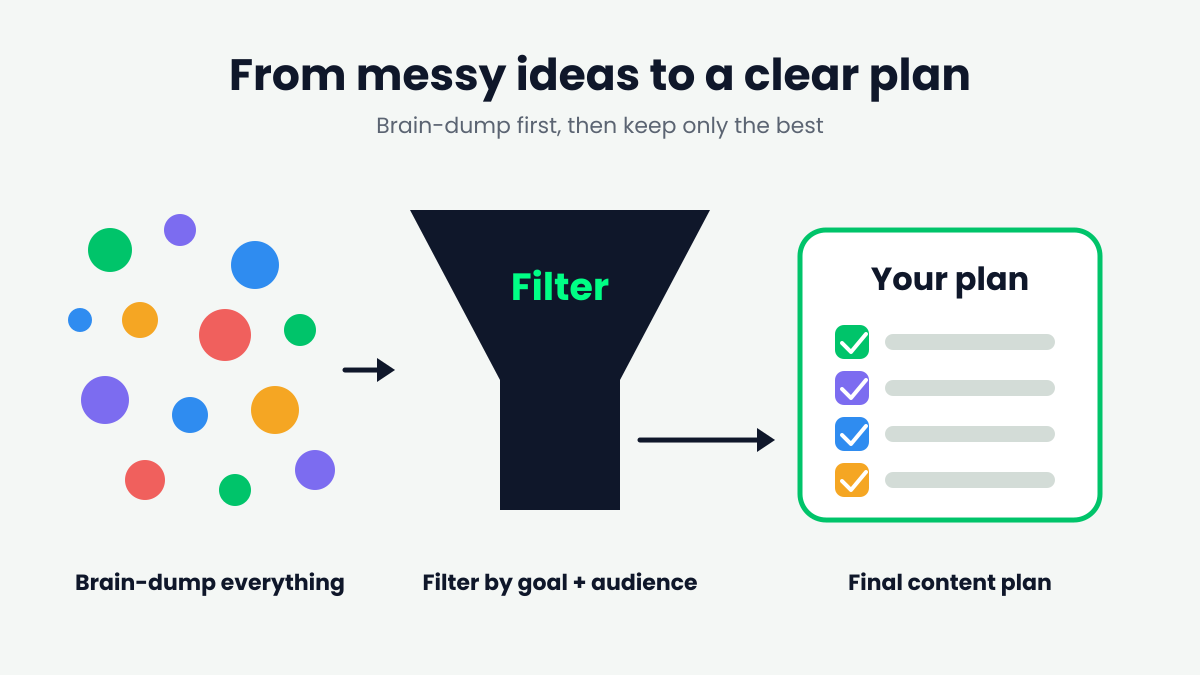
One common mistake is creating posts without a clear plan. You may spend more time deciding what to post than actually creating the content.
Instead, choose a few topics for the week and prepare your posts in advance.
For example, if you run a website about technology and lifestyle, your weekly content plan could include:
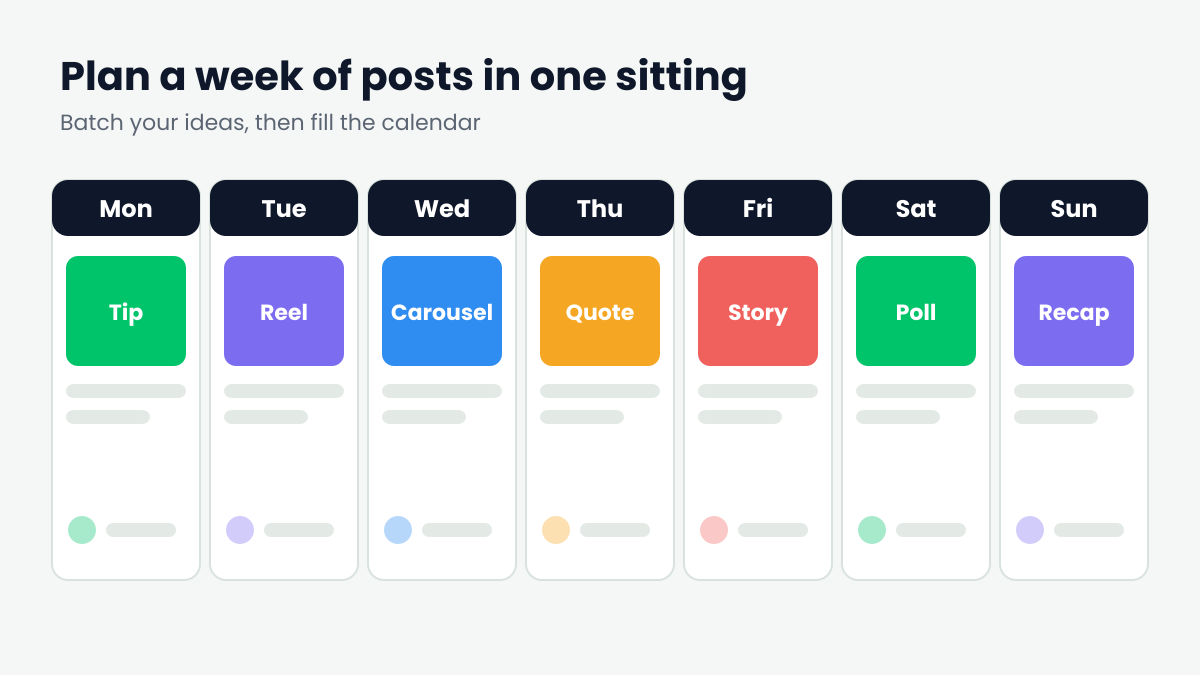
- Monday: Share a useful tip.
- Tuesday: Publish an educational post.
- Wednesday: Share a short video.
- Thursday: Promote a blog article.
- Friday: Ask your audience an interesting question.
You can organize your ideas in a simple spreadsheet or notebook. Planning ahead helps you avoid last-minute stress and makes content creation easier.
2. Use ChatGPT to Generate Ideas and Captions
Writing captions and finding fresh ideas can take time. ChatGPT can help you brainstorm topics, create captions, write short descriptions, and organize your content.
For example, you can use this prompt:
“Give me 10 simple social media post ideas about digital marketing. Include a short caption and a call to action for each idea.”
You can also ask it to improve your captions or turn a long blog article into several short social media posts.
Visit ChatGPT to get started.
Helpful tip: Do not copy every suggestion without checking it. Add your own experience, examples, and writing style to make the content more useful and natural.
3. Design Posts with Canva
Good visuals can help your posts look more professional. However, designing every image from scratch takes time.
Canva offers free design features and templates that can help you create social media graphics, promotional posts, thumbnails, and story designs.
Here is how to use it:
- Open Canva.
- Choose a design size for your preferred social media platform.
- Select a suitable template.
- Replace the sample text and images with your own content.
- Download your design and publish it.
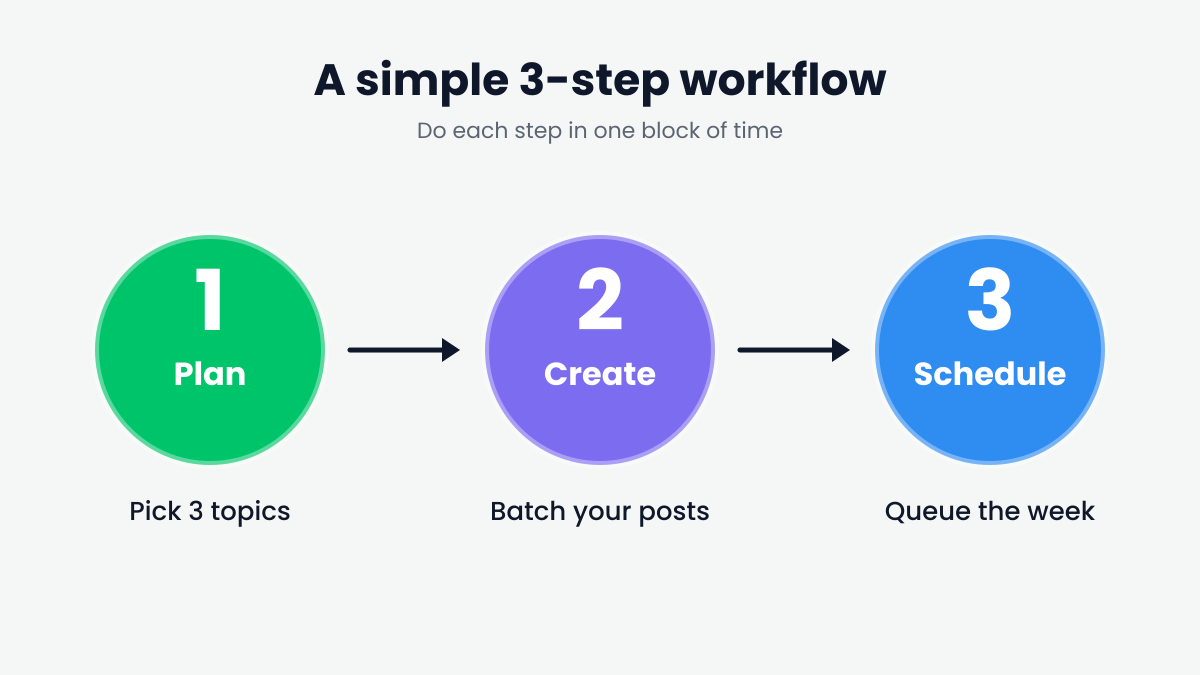
You can also create a reusable template with your preferred colors and fonts. This way, your posts maintain a consistent appearance without requiring a new design every time.
Some Canva features and design elements require a paid plan, so check the label before using them.
4. Turn One Blog Article into Multiple Posts
You do not always need a completely new idea for every social media post. One useful blog article can provide content for several different posts.
For example, if you publish a blog about saving money, you can turn it into:
- A Facebook post with three money-saving tips.
- An Instagram carousel explaining the main points.
- A short video about one practical tip.
- A quote graphic featuring an important idea.
- A question asking followers how they save money.
This method is called content repurposing. It helps you get more value from the work you have already completed.
If you own a blog, you can also share the original article link to bring interested readers to your website.
5. Edit Short Videos with Free Tools
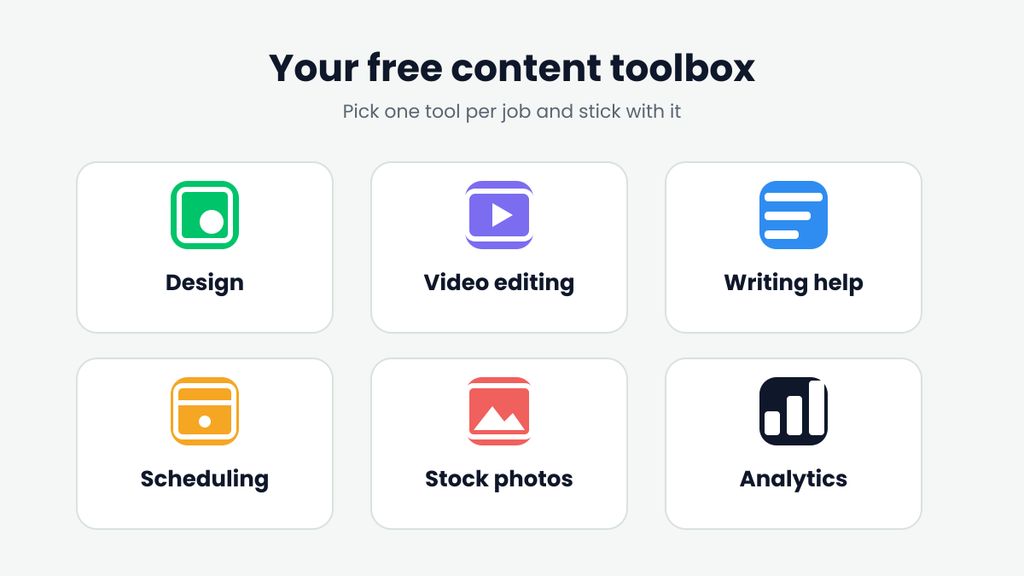
Short videos are useful for sharing quick tips, tutorials, product demonstrations, and educational information.
You do not need advanced editing skills to create a simple video. Tools such as CapCut offer video-editing features that may help you trim clips, add text, include captions, and improve the presentation.
A simple video can follow this structure:
- Opening: Introduce the problem or topic.
- Main content: Explain two or three useful points.
- Ending: Ask viewers to follow your page, comment, or visit your website.
Keep your message clear and avoid adding unnecessary effects. Also, check which features are available for free in your region and on your device.
6. Schedule Your Posts in Advance
Posting manually every day can interrupt your other work. Scheduling allows you to prepare content ahead of time and publish it according to a plan.
Meta Business Suite provides tools for managing Facebook and Instagram content. Depending on your account and the available features, you can prepare posts, schedule content, and review performance.
To make scheduling easier:
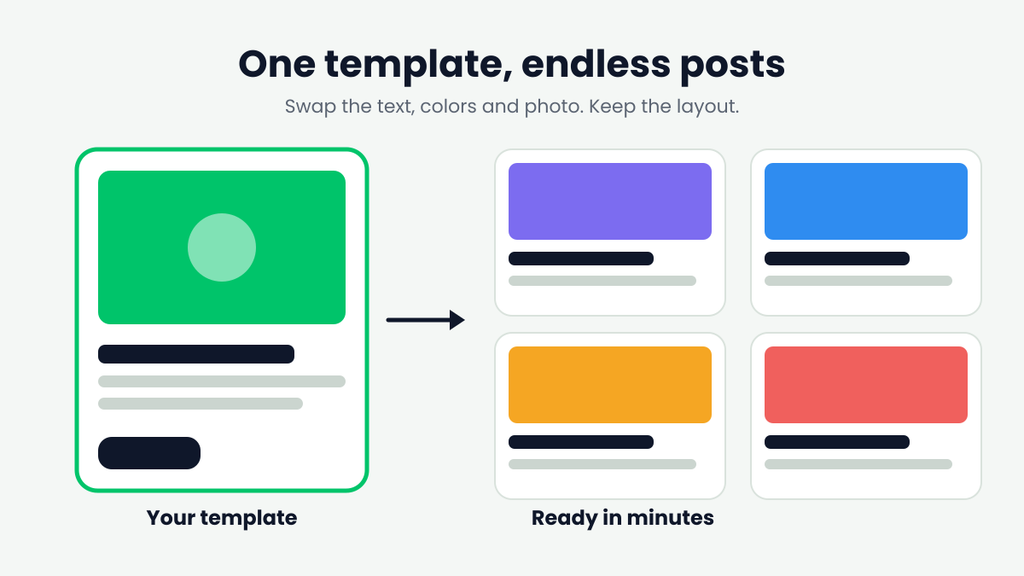
- Prepare several posts at once.
- Add captions, images, and links.
- Select suitable publishing dates and times.
- Review your scheduled content before it goes live.
- Check the results to understand which posts perform well.
Scheduling does not mean you should ignore your audience. Make time to respond to comments and messages after publishing.
7. Follow a Simple Weekly Content Routine
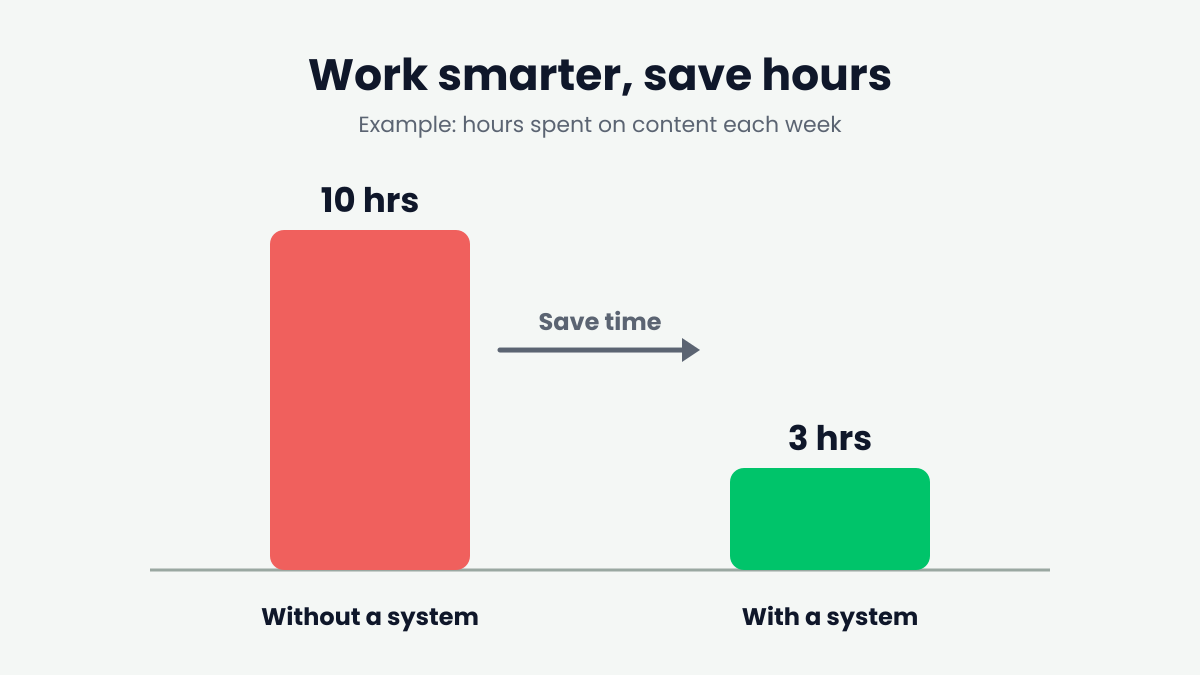
You can save time by grouping similar tasks together instead of switching between different activities throughout the day.
Here is an example of a simple weekly routine:
Monday — Planning: Choose topics and prepare a list of post ideas.
Tuesday — Writing: Write captions and short descriptions for the week’s content.
Wednesday — Designing: Create graphics and prepare video clips.
Thursday — Scheduling: Add your content to the scheduling tool.
Friday — Reviewing: Check engagement, answer comments, and note which topics attracted attention.
You can adjust this routine according to your workload. Even spending a short amount of time planning ahead can make the process more manageable.
8. Avoid These Common Content Creation Mistakes
Using free tools can save time, but the way you use them matters.
Avoid these common mistakes:
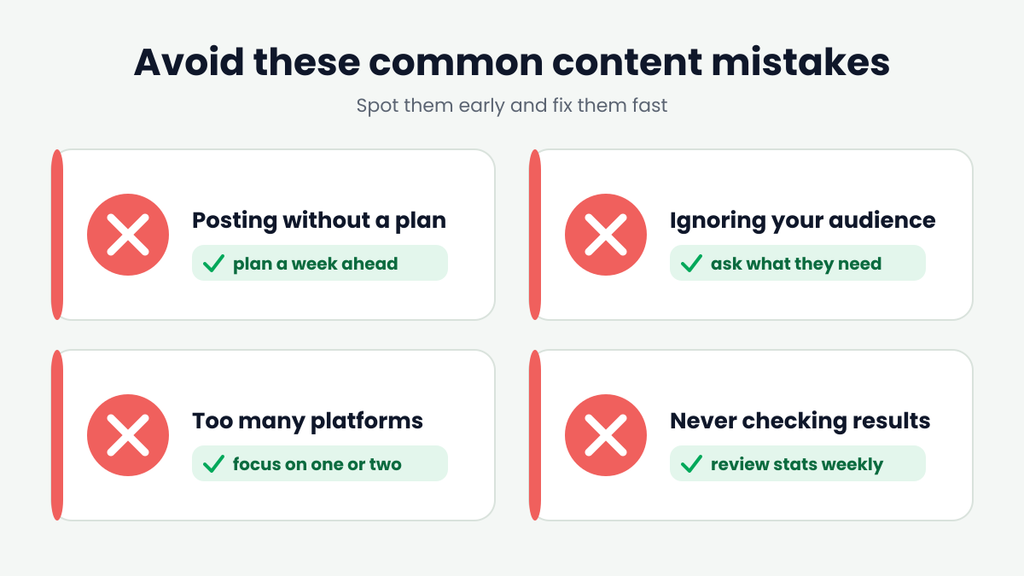
- Publishing without checking: Always review spelling, facts, links, and captions before publishing.
- Copying generic content: Add your own examples and useful information instead of repeating the same advice found everywhere.
- Using too many tools: Start with two or three tools that meet your needs.
- Ignoring your audience: Create content that answers real questions or solves practical problems.
- Posting without a goal: Decide whether each post should educate, entertain, start a conversation, or bring visitors to your website.
For website owners, Google also recommends creating helpful, reliable, people-first content. You can read its official guidance here: Google Search Central — Creating Helpful, Reliable, People-First Content.
Frequently Asked Questions
1. What are the best free tools for social media content creation?
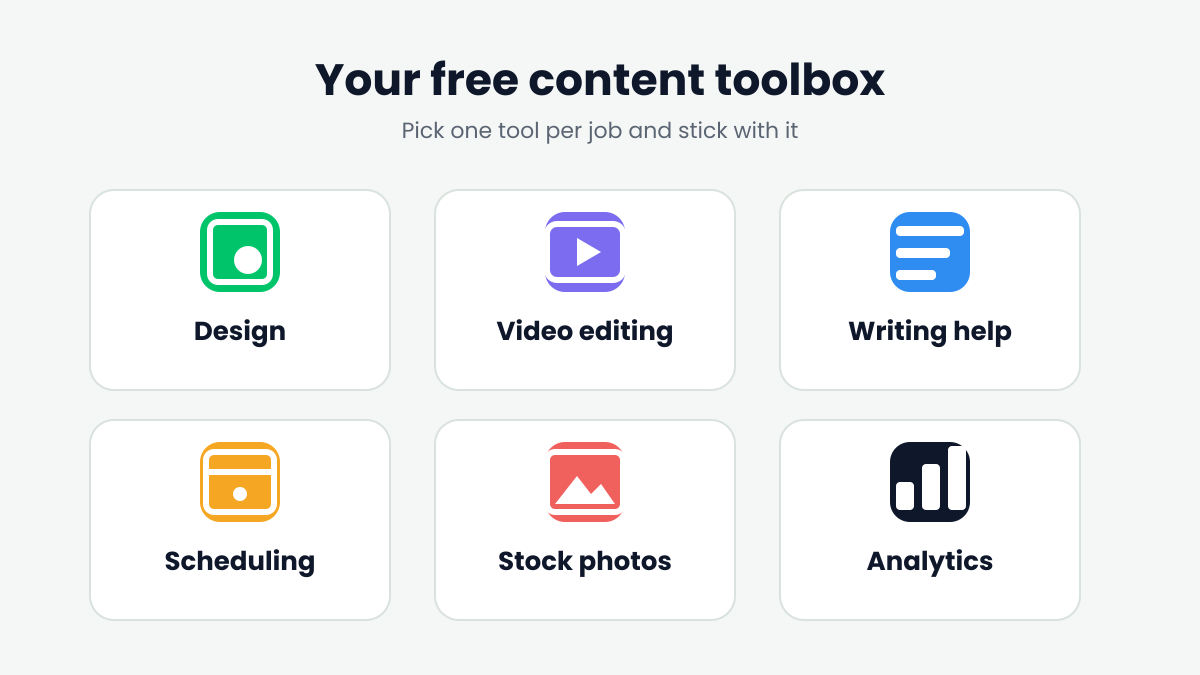
ChatGPT can help with ideas and captions, Canva can help with graphic design, CapCut can help with video editing, and Meta Business Suite can help manage Facebook and Instagram content. Free features may vary by tool, account, and region.
2. How can I create social media posts more quickly?
Plan your topics in advance, use reusable templates, prepare several captions in one session, and turn existing blog articles into multiple pieces of content.
3. Can AI create all my social media content?
AI can help with brainstorming, writing, and planning, but you should review its suggestions and add your own ideas. This helps make your content more accurate, relevant, and original.
4. How often should I post on social media?
There is no single posting schedule that works for everyone. Start with a routine you can maintain consistently, then use your audience’s response and performance data to adjust it.
Conclusion
Creating social media content does not have to take hours every day. With free tools, advance planning, reusable designs, and content repurposing, you can make the process faster and easier.
Start with a simple routine and choose tools that fit your needs. Focus on creating helpful content for your audience rather than publishing as many posts as possible. Over time, you will discover which methods work best for your goals.